Checking resolution...
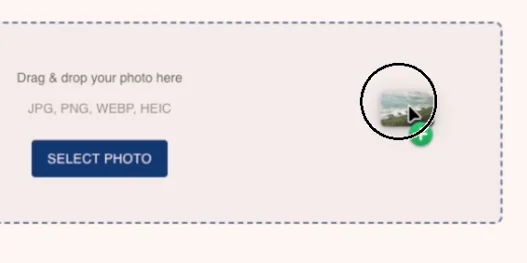
Drag & drop your photo here
JPG, PNG, WEBP, HEIC
Image resolution too low. Minimum required: 1920×1080 for Full HD output.
Your image:
Please upload a higher resolution artwork.
Resize your photos for Samsung Frame TV — free
Need to resize an image for your Samsung Frame TV? Our free cropping tool lets you adjust any photo to the exact resolution your TV needs — Full HD (1920×1080) or UHD 4K (3840×2160) — in seconds, right in your browser. No software to install, no account required.
How it works
1. Select your photo
Drop your image or click to browse. Supports JPG, PNG, WEBP and HEIC — including photos straight from your iPhone.
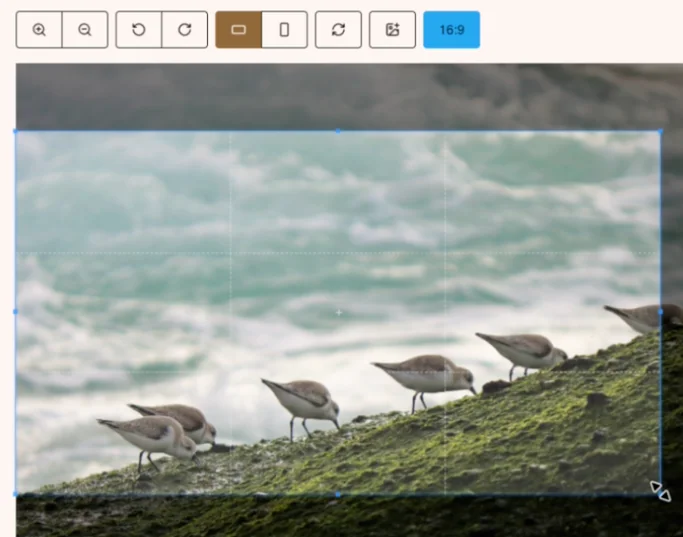
2. Adjust the crop
Zoom, rotate, and drag the crop zone to frame the perfect composition. Switch between landscape and portrait orientation in one click.
3. Download in the right resolution
Choose Full HD (1920×1080) or UHD 4K (3840×2160) and download instantly. Transfer the file to a USB drive and plug it into your Frame TV.
Why use our free resize tool?
- Made for art display TVs such as Samsung Frame TV — outputs are pre-sized to 16:9 in the exact resolutions your TV expects.
- 100% free, no sign-up — resize as many photos as you want, no watermark, no limit.
- Runs in your browser — your photos never leave your device. Nothing is uploaded to a server.
- Quality indicator — the tool warns you if the crop area is too small, so you always get a sharp result.